
CERTUM BLOG
Certum Solutions Business Resource Hub
Practical insights, expert tips, and fresh ideas to help your business thrive.
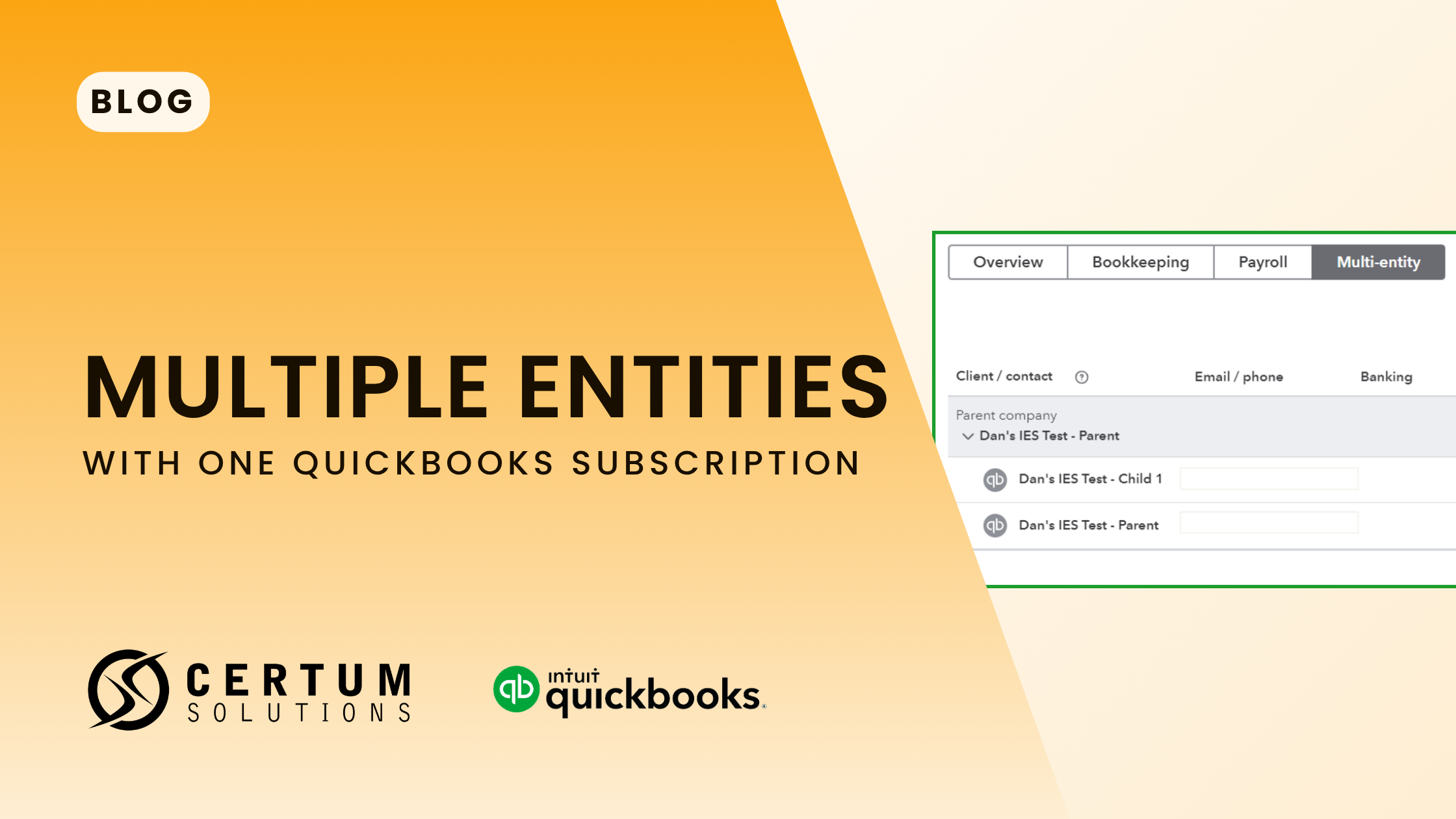
Why You Should Never Put Multiple EINs in One QuickBooks File
Running multiple EINs (Employer Identification Numbers) in a single QuickBooks file is widely flagged by accounting professionals as a high-risk practice. It creates commingled financial records, breaks payroll tax compliance, distorts reporting, and can pierce the corporate veil that protects business owners from personal liability. The fix requires a clean separation of company files; rule of thumb is one QuickBooks file per EIN.
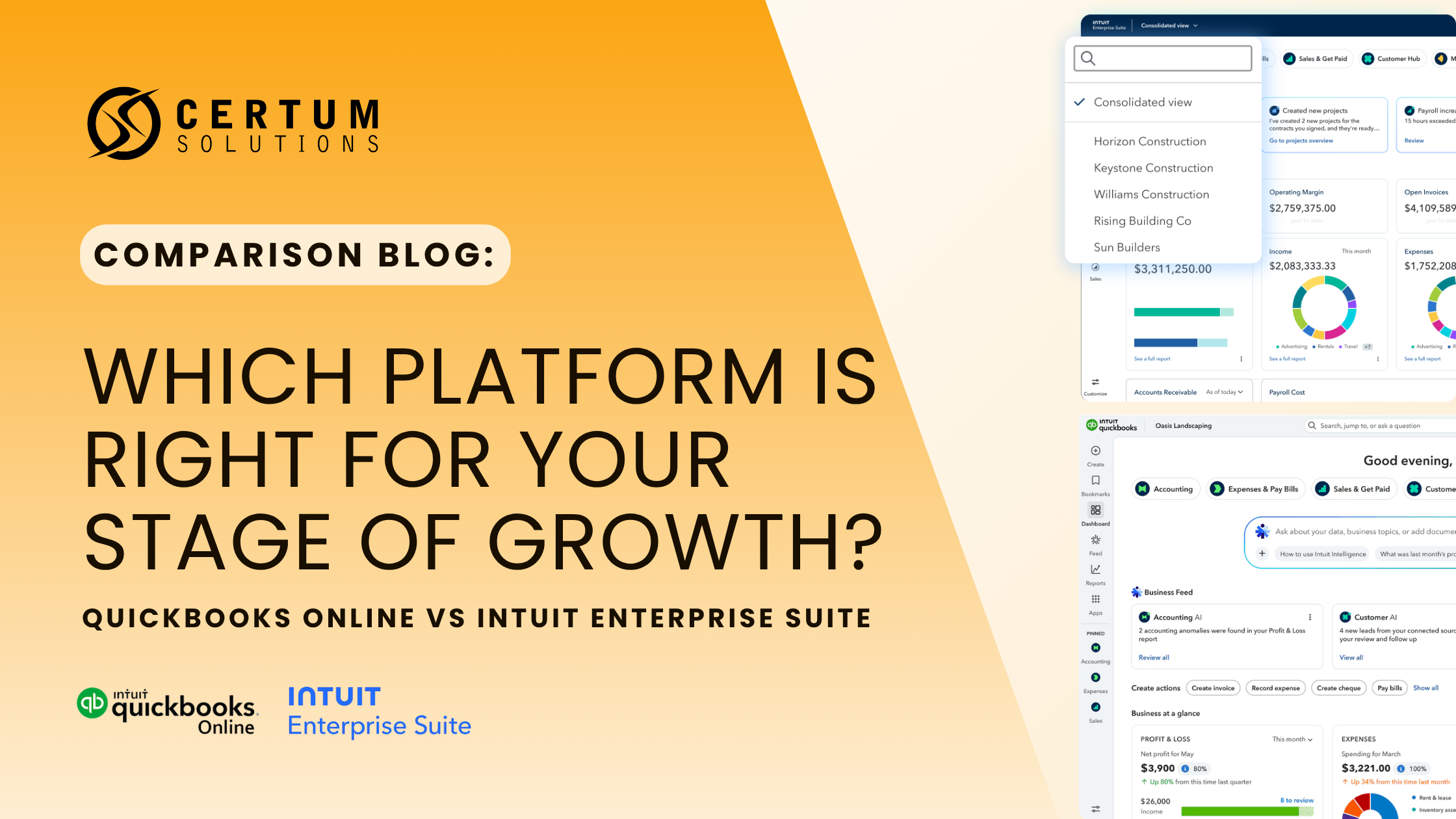
QuickBooks Online vs. Intuit Enterprise Suite: Which One Does Your Business Actually Need?
Still on QuickBooks Online but feeling the squeeze? This guide cuts through the marketing noise and tells you exactly when QBO is still the right call — and when Intuit Enterprise Suite is the smarter move for your business.

QuickBooks Online Plans Compared (2026): Which One Is Right for Your Business?
QuickBooks Online Plus is the most purchased plan — but only when it's configured for how your business actually works. Most business owners who DIY their QBO setup spend weeks fixing what should have been set up right the first time.

QuickBooks Online Advanced: Backup & Restore Has Moved (2026)
This guide covers the 2026 change Intuit QuickBooks made to the location of the backup and restore feature in QuickBooks Online Advanced. It explains where the feature used to be, where it is now, how to turn it on, how to run both automatic and manual backups, the difference between the three backup types, and how to restore a previous backup.
How to Track Fixed Assets in QuickBooks Online Advanced
This video, hosted by our Founder Katie Bunschoten, provides insights into how to track fixed assets using QuickBooks Online Advanced. This feature has been recently introduced, and was previously a common issue faced by our clients when migrating from QB Enterprise.
A Gift for You: New Features in QuickBooks Online and the QuickBooks Ecosystem
Certum Solutions works with business owners to make their lives easier by setting up and implementing custom versions of QuickBooks that help our client’s companies grow. Out-of-the-box solutions are not realistic, especially with all of the industry niches we work with, including manufacturing, construction, retail and e-commerce, and nonprofit.

QuickBooks Online Advanced Gets Powerful Reporting Updates in March 2023
March comes in like a lion, roaring into action with a flurry of updates for QuickBooks Online Advanced®, QuickBooks Online®, and QuickBooks Payments.
I’m especially excited about the fleet of changes that make QuickBooks Online Advanced even better for creating, comparing, and sharing custom reports. If you’re planning to grow your business, these tools can help you make decisions by keeping the right data at your team’s fingertips.

Certum Solutions Named Intuit’s 2022 Trailblazer of the Year
Katherine Bunschoten, President of Certum Solutions, and team accept the awards for Trailblazer of the Year, as well as distinctions in four sales categories, QuickBooks Online, QuickBooks Online Advanced, QuickBooks Payroll, and QuickBooks Payments, for the Executive tier.
QuickBooks Online Advanced Demo: Features, Workflows, & More
Explore QuickBooks Online Advanced in this full demo with Katie Bunschoten. Learn about workflows, automation, expenses, reporting, and how QBO Advanced compares to QuickBooks Desktop.
How to Enter Checks in QuickBooks Online, and When to Use Checks Instead of Enter Expenses
In this quick video I show you how to enter a check in QuickBooks Online (we used Advanced, but it will work for all QuickBooks Online editions). You will also learn when you would want to use the Write Checks function instead of the Enter Expenses function. While you can enter checks using the Expenses screen, I don’t recommend it typically for a few reasons. If these reasons are not important to your business, then using the Expenses screen is sufficient.

Using the Chronobooks Backup for Your QuickBooks Online Advanced File
We were an early adopter of ChronoBooks, the newly acquired backup service for QuickBooks Online Advanced. A few years ago, we reached out to Nate, and were excited about his new service that was able to seamlessly backup QuickBooks files in case of issue.
Printable Resources
Subscribe to our monthly email newsletter!
More From Certum Solutions
Explore Additional Services
Certum connects it to your inventory, payroll, operations, and financial strategy — so every part of your business runs on the same source of truth.
QBO, Odoo, Xero, Zoho & more
Let's figure out what your business actually needs
You don't need more software recommendations from someone who doesn't know your business. You need a straight answer from someone who does. Tell us where you're at; we'll tell you exactly what makes sense next, whether that's cleaning up your books, switching platforms, or building a financial system from the ground up. No pressure, no obligation, just clarity.
Prefer to call? (980) 210-6946